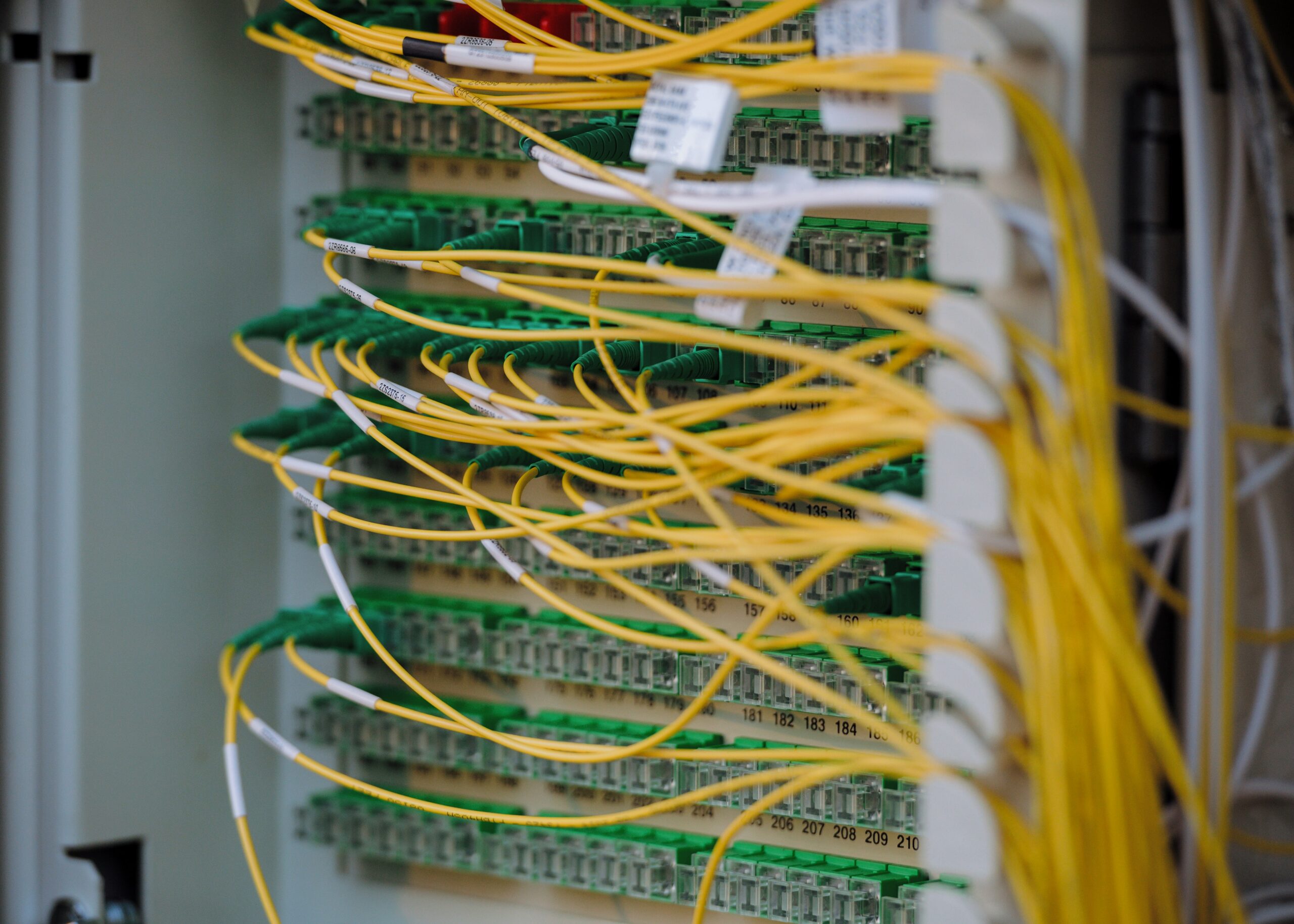
Seeing or hearing about “unusual traffic behavior” on your network can sound daunting, but at its core, it just means something on your network isn’t acting like it normally does. Network packet inspection is a key tool for figuring out what’s going on when that happens, helping you spot potential problems before they become big headaches. Think of it like examining individual snippets of a conversation to understand if it’s normal chatter or something suspicious.
What Exactly is Network Packet Inspection?
At a basic level, network packet inspection involves looking at the tiny pieces of data – called packets – that travel across your network. When your computer sends an email, browses a website, or anything else online, that information is broken down into these packets. Packet inspection is like a detective meticulously examining each packet for clues about what it is, where it came from, where it’s going, and what it’s carrying.
The Nuts and Bolts of Packets
Every packet has a header and a payload. The header contains crucial information like the source and destination IP addresses, the ports being used (like a specific door for a type of communication), and the protocol (the language the devices are speaking). The payload is the actual data being sent. By analyzing these headers and, in some cases, the payload, we can get a pretty good picture of network activity.
Tools of the Trade
Tools like Wireshark are incredibly valuable for this. They capture and display these packets in a human-readable format. While Wireshark shows you the raw data, more sophisticated Network Traffic Analysis (NTA) systems often use this same packet data (or summaries of it like NetFlow) combined with machine learning and artificial intelligence to automatically spot patterns.
Recent advancements in network security have highlighted the importance of network packet inspection, particularly in identifying unusual traffic behavior that could indicate potential threats. For a deeper understanding of this topic, you can refer to a related article that discusses how packet inspection techniques can unveil hidden anomalies in network traffic. This article provides valuable insights into the methodologies used for monitoring and analyzing data packets. To read more, visit this link.
Why Unusual Traffic Behavior Matters
When network traffic deviates from its typical patterns, it’s usually a sign that something is amiss. This isn’t just some theoretical concept; it directly impacts the security and performance of your network. Ignoring these anomalies is like ignoring a smoke alarm – it’s much better to investigate early.
Security Implications
The most significant concern with unusual traffic is security. Attackers are constantly trying to find ways into networks, and their activity often translates into unusual traffic patterns. This could be anything from a bot trying to scan for vulnerabilities to a sophisticated threat attempting to exfiltrate sensitive data.
Performance Impacts
Beyond security, unusual traffic can also just slow things down. A runaway process, a misconfigured device, or even a legitimate but unexpectedly high volume of traffic can hog bandwidth and impact the performance of critical applications.
Identifying the Unknown
Sometimes, the “unusual” is simply something new you haven’t seen before. This could be a legitimate new application or service starting up, but it could also be novel malware or an exploit you haven’t encountered.
Common Signs of Unusual Traffic
Detecting unusual traffic behavior isn’t always about spotting a giant red flashing light. Often, it’s about noticing subtle shifts or unexpected occurrences that, when pieced together, paint a worrying picture.
Volume Spikes and Drops
One of the most straightforward indicators is a sudden, unexplained increase in the amount of data flowing across the network, especially to or from specific locations. Conversely, a significant drop in expected traffic can also be a red flag.
Sudden Inbound Flooding
If your network suddenly starts receiving a massive amount of unsolicited data, especially from unfamiliar sources, it could be a sign of a Denial-of-Service (DoS) attack attempting to overwhelm your resources.
Unexpected Outbound Bursts
A sudden surge of data leaving your network, particularly to rare or unusual external destinations, can indicate data exfiltration – an attacker is stealing information.
Port and Protocol Oddities
Remember those “doors” on your network? When traffic starts using unexpected doors (ports) or speaking unusual languages (protocols), it’s worth investigating.
Non-Standard Port Usage
Certain applications are designed to use specific ports. If you see a lot of traffic on ports that aren’t typically used by your known applications, it could be an attacker trying to disguise their activity or leverage an unmonitored service. For example, seeing a lot of traffic on port 23 (Telnet), which is often unencrypted and insecure, when you don’t have Telnet services running internally, is suspicious.
Unexpected Protocol Combinations
Seeing protocols used in ways they weren’t intended can also be a sign. For instance, if you see a lot of unusual DNS traffic that doesn’t look like normal name resolution queries, it might be a covert channel for command and control (C2) communication.
Destination and Source Quirks
Where traffic is going and where it’s coming from can reveal a lot about what’s happening.
Rare or Unfamiliar Destinations
If your internal systems are suddenly communicating with IP addresses or domains that have no legitimate business reason to be contacted, it’s a major red flag. This could indicate command and control (C2) channels for malware or communication with attacker infrastructure.
Internal Lateral Movement
A particularly concerning pattern is when traffic shows a significant increase in communication between internal systems that normally don’t interact much. This “lateral movement” is a classic tactic of attackers who have gained initial access and are now trying to spread throughout your network to find valuable targets. Think of it as an intruder picking locks and testing doors to move from room to room within a house.
Deep Dive: Malformed Packets and Covert Channels
Sometimes, the unusual traffic isn’t just about volume or destination; it’s about the content or structure of the packets themselves. This is where things can get quite technical.
Malformed Packets: A Sign of Exploitation
Malformed packets are essentially data packets that don’t adhere to the expected structure or rules of a particular protocol. Attackers might craft these intentionally to test for vulnerabilities or to exploit weaknesses in network devices or applications.
Unusual String Data in Payloads
When you inspect packet payloads and find unexpected or nonsensical strings of characters, especially in protocols where you wouldn’t expect them, it’s suspect. A recent cybersecurity video demonstrated how malformed packets carrying unusual string data could be used to probe for vulnerabilities. These strings aren’t random; they are often crafted to elicit a specific, exploitable response from the target.
Unexpected Protocol Behavior
Even if a packet isn’t technically “malformed” according to a strict standard, if it causes a network device or application to behave in an unexpected way, that’s a form of anomaly. This could be triggering error logs or causing a service to crash.
Covert Channels: Hiding in Plain Sight
Attackers want to communicate without being detected. Covert channels are ways they can embed their malicious communications within seemingly legitimate network traffic.
DNS Tunneling
One common technique is DNS tunneling. Attackers can masquerade command and control messages as DNS queries and responses. Because DNS traffic is ubiquitous and often allowed through firewalls, it’s a convenient way to establish a persistent communication line. The DNS requests and responses might look normal at a glance (e.g., asking for a website), but the actual data encoded within them can be instructions for malware or stolen data being sent out.
ICMP Tunneling
Similar to DNS, ICMP (Internet Control Message Protocol), which is typically used for diagnostic purposes like ping, can also be abused to tunnel data. Large or unusually structured ICMP packets can indicate malicious activity.
Recent advancements in network security have highlighted the importance of network packet inspection in identifying unusual traffic behavior. A related article discusses how organizations can leverage this technology to enhance their cybersecurity measures. By analyzing data packets in real-time, businesses can detect anomalies that may indicate potential threats. For further insights, you can read more about this topic in the article available at The Day Owl. This proactive approach not only helps in safeguarding sensitive information but also ensures a more secure network environment.
Leveraging AI and ML for Anomaly Detection
Manual packet inspection is incredibly time-consuming, especially in large networks. This is where modern approaches using Artificial Intelligence (AI) and Machine Learning (ML) become indispensable. These systems are designed to learn what “normal” looks like for your network and then flag anything that deviates.
Baselining Normal Behavior
The first step for an AI/ML NTA solution is to observe your network’s traffic over time. It builds a detailed profile, a baseline, of typical communication patterns, application behaviors, user activities, and device interactions.
Understanding Daily Rhythms
This includes understanding when certain services are busiest, which servers communicate with each other, typical bandwidth usage, and common login times.
Identifying Baseline Deviations
Once a baseline is established, the system can then identify anomalies. This could be:
- New IP logins from remote locations: A user logging in from a country where they’ve never logged in before.
- Atypical email communications: A server suddenly sending a large volume of emails to external addresses.
- Unknown malware: Detecting communication patterns that don’t match any known legitimate application.
- Zero-day exploits: Identifying unusual traffic resulting from an exploit that targets a previously unknown vulnerability.
- Encrypted C2 traffic: Detecting encrypted communications from ransomware or Advanced Persistent Threats (APTs) that attempt to blend in.
Real-Time Threat Detection
The power of AI/ML is its ability to analyze massive amounts of data almost instantly. This allows for real-time detection of suspicious activities, giving security teams a crucial head start in responding to threats.
Proactive Threat Hunting
Instead of just reacting to alerts, these systems can proactively identify subtle threats that might otherwise go unnoticed.
Insider Threats
AI/ML can also be invaluable for detecting insider threats. By baselining normal user behavior, deviations like unusually large data transfers by an employee or access to systems they don’t normally use can be flagged.
Practical Steps for Investigating Unusual Traffic
Discovering unusual traffic behavior is just the beginning. The real work is in understanding it and taking appropriate action.
Start with the Alerts
If you’re using NTA tools, you’ll likely get alerts. Don’t ignore them. Prioritize based on the severity indicated by the tool.
Correlate with Other Data
Don’t rely on a single alert. Look for corroborating evidence. Does the unusual traffic coincide with security logs on affected servers? Are there unusual user login attempts?
Gather More Context
If an alert seems significant, you’ll need to dig deeper.
Packet Capture Deep Dive
If your NTA system provides it, or if you have a separate packet capture solution, examine the actual packets involved. Tools like Wireshark are essential here. Look at the headers for source/destination IPs, ports, and protocols. Examine the payloads for suspicious data if possible and necessary (while respecting privacy and legal considerations).
Flow Data Analysis
NetFlow or IPFIX data provides summaries of traffic conversations (who talked to whom, for how long, how much data). Analyzing this can quickly show you the scope and direction of unusual flows.
Identify the Source and Destination
Knowing what is communicating is crucial.
Internal System vs. External
Is the unusual traffic originating from inside your network or coming from the outside? This significantly changes the nature of the investigation.
Known Services vs. Unknown Processes
Is the traffic coming from a legitimate application you recognize, or is it from a process you can’t identify? Task Manager or process monitoring tools on the involved machines can help.
Understand the “Why”
Once you know what’s happening and where it’s coming from, try to understand the motivation.
Reconnaissance vs. Active Attack
Is this just an attacker probing for weaknesses (reconnaissance), or are they actively trying to steal data or deploy malware (active attack)?
Policy Violation vs. Malicious Intent
Could this be a user accidentally misusing a resource, or is it clearly malicious?
Take Action
Based on your investigation, you’ll need to take action.
Isolate Infected/Compromised Systems
If a system is confirmed to be compromised, the first step is usually to isolate it from the rest of the network to prevent further spread.
Block Malicious IPs or Domains
If you’ve identified malicious external sources, block them at your firewall.
Remediate Vulnerabilities
If the unusual traffic was caused by an unpatched vulnerability, prioritize patching it.
Review and Update Policies
Perhaps the traffic indicates a gap in your security policies or a need for better user training.
By approaching network packet inspection and the analysis of unusual traffic with a systematic mindset, you can move from a place of uncertainty to one of understanding and control, ultimately strengthening your network’s security posture.
FAQs
What is network packet inspection?
Network packet inspection is the process of capturing and analyzing data packets as they travel through a network. This allows for the monitoring and analysis of network traffic to identify any unusual behavior or potential security threats.
What is considered unusual traffic behavior in network packet inspection?
Unusual traffic behavior in network packet inspection can include sudden spikes in data transfer, unusual patterns of communication between devices, unexpected protocols or ports being used, or any other activity that deviates from the normal patterns of network traffic.
How can network packet inspection help identify security threats?
By analyzing network traffic, packet inspection can help identify potential security threats such as malware infections, unauthorized access attempts, data exfiltration, or other malicious activities. It can also help in detecting anomalies that may indicate a security breach.
What are the benefits of network packet inspection?
Network packet inspection provides visibility into network traffic, allowing for the detection of security threats, performance issues, and compliance violations. It can also help in troubleshooting network problems and optimizing network performance.
What tools are commonly used for network packet inspection?
Common tools for network packet inspection include packet sniffers, network analyzers, intrusion detection systems (IDS), and intrusion prevention systems (IPS). These tools capture and analyze network traffic to provide insights into the behavior of devices and applications on the network.